Register with mambawin in Indonesia
mambawin Register puts VIP Baccarat, Buffalo King, Rocket Crash and Super Bingo behind one clear account path, with mobile access shaped for Indonesian wallets.
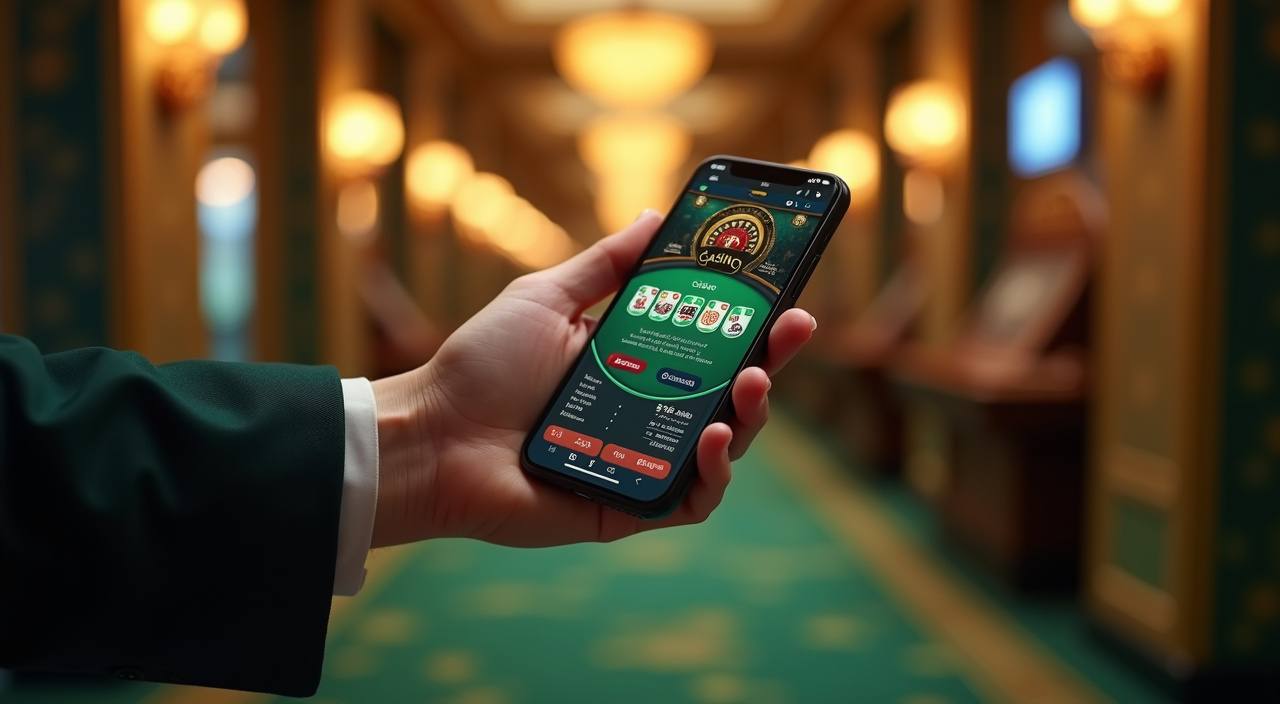
Your mambawin account path
Registration starts with the details shown on the form, followed by phone verification before you enter the account area. Use your own contact details and keep the login information private so sign-in remains easy on the same phone or a desktop browser. After access is confirmed, we show the full casino lobby, slot rooms and
sportsbook in one account. If you return later, use the sign-in route rather than creating another profile. Where access or eligibility is discussed, it depends on local law, and our account prompts are there to keep that step visible.
-
Fast verified sign-up Enter your name and contact details once, then follow the phone verification prompt. This gives you a clear route into the account area and reduces confusion when you return to sign in from a familiar mobile browser.
-
One account for lobbies Your account opens the casino, slot and sportsbook areas without separate profiles. Move from VIP Baccarat to Buffalo King or football markets using the same login details instead of repeating registration steps.
-
Mobile and desktop access The registration path works in a mobile browser and on desktop. A phone can take you from login to the lobby, while a larger screen gives you room to check account details before entering a game area.
-
Help when access stalls If a verification prompt or sign-in attempt does not move forward, use the account help path beside the access form. We can focus on the exact step that needs attention instead of sending you through unrelated pages.
Your details are protected with encrypted, secure access.
Choose your local wallet
Your registration is separate from the wallet step, so first complete the account form and phone verification before checking the cashier path.
DANA
OVO
GoPay
QRIS
Keep your account details protected
Account protection begins during registration, not after you reach the lobby. We ask for the details needed to create access, use phone verification before entry, and keep sign-in…
Phone verification
We use a phone confirmation step before account access so the contact route belongs to the person opening the profile.
Protected sign-in details
Your password is for your account only. Use a private device where possible, avoid saving credentials on shared browsers, and…
Identity detail checks
If an account prompt asks you to confirm identity details, enter information that matches your registration record.
Wallet separation
DANA, OVO, GoPay and QRIS are payment routes, not replacements for your account login.
Device awareness
You can open the registration page from a phone or desktop browser, but check the device before entering contact details.
Local access wording
Eligibility and access depend on local law. We show that condition directly so you can check whether registration and account…
Register questions answered clearly
These common Register questions cover the practical points that matter before you open an account: the form, phone confirmation, device access, existing login details and local wallet steps. We keep each answer tied to the mambawin account route so you can decide what to prepare before starting.